Instant, smooth panel
Press ⇧⌘V anywhere. Pick a card strip along any edge of the screen, a compact list at your cursor, or a centered search panel.
 PasteMan


PasteMan quietly keeps your clipboard history on your Mac and brings any of it back the moment you need it.
For macOS 26 or later
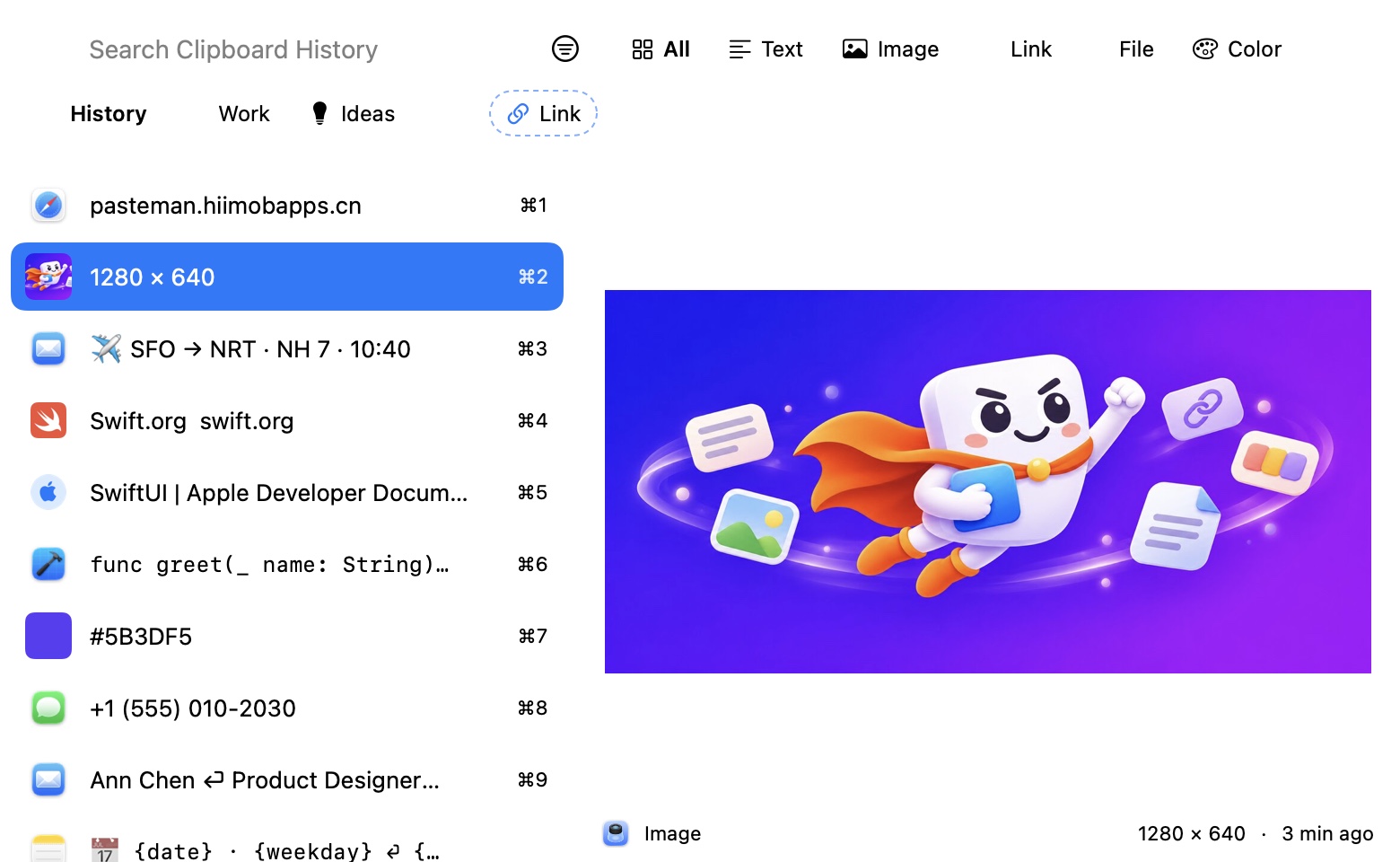
Press ⇧⌘V anywhere. Pick a card strip along any edge of the screen, a compact list at your cursor, or a centered search panel.
Search the text you copied, the words in screenshots, link titles and QR codes. Type @app, #image, .pdf or “today” to filter as you go.
Keep what matters in collections that never expire. Save a search as a smart collection that fills itself.
Write {date}, {clipboard} or {cursor} in a snippet and PasteMan fills them in when you paste. Name your own macros in any language.
Paste as plain text, change case, trim, encode or format JSON, edit before pasting, or paste several items together or one by one.
See link titles and live page previews, open QR codes from screenshots, and keep files pasteable even after they move.
Sync through your own iCloud or directly over your local network with end-to-end encryption. No account to create.
Your history stays on your Mac. Passwords from password managers are never recorded, and nothing is ever sent to us.